Developed by Ish
Ultrawide HUD Fix
for League of Legends
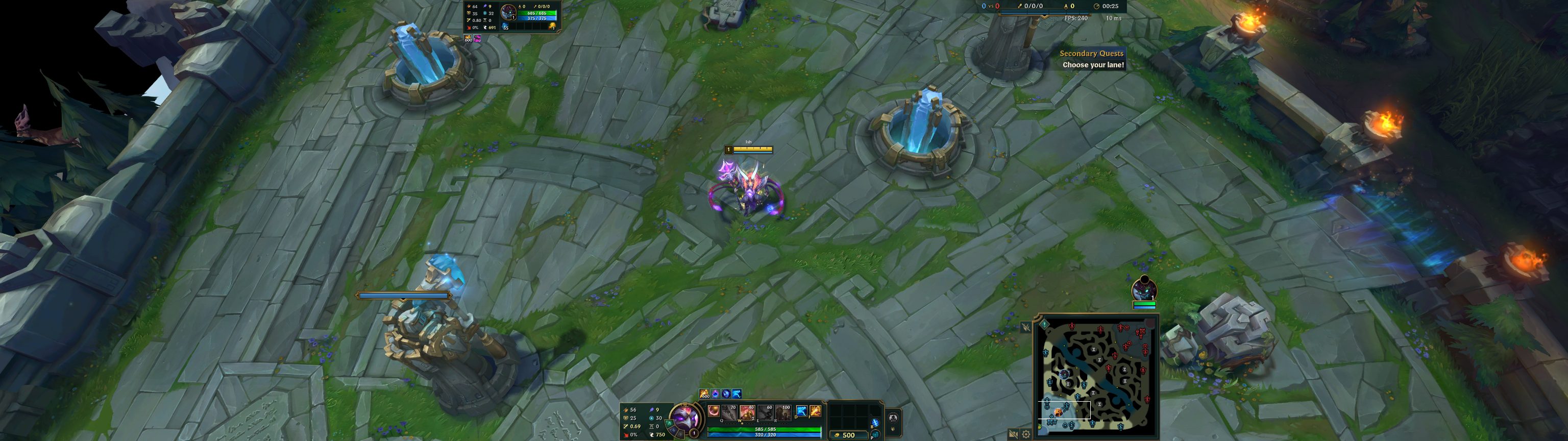
Brings the minimap and HUD back within view — no more turning your head to check the map on an ultrawide monitor.
 Automatic install with LTK
Two ready-made builds — or place the HUD yourself.
How to install
Automatic install RECOMMENDED ▾
Requires LTK Manager (free, open source).
STEP 01 — PICK YOUR MONITOR
A separate build for each shape, tuned on the hardware — tested at 2560×1080, 3440×1440 and 5120×1440. Pick one; they aren't interchangeable.
STEP 03 — ENABLE & RUN
Enable the mod in LTK Manager, then click Start Patcher. Keep LTK Manager open while you play.
Manual install▾
Requires LTK Manager (free, open source) or a custom skin manager of your choice.
-
STEP 01Download the fileGrab the .fantome file for your monitor using the download buttons above — 21:9 for 3440×1440 and 2560×1080, 32:9 for 5120×1440.→MOD↓UW-HUD.fantome
-
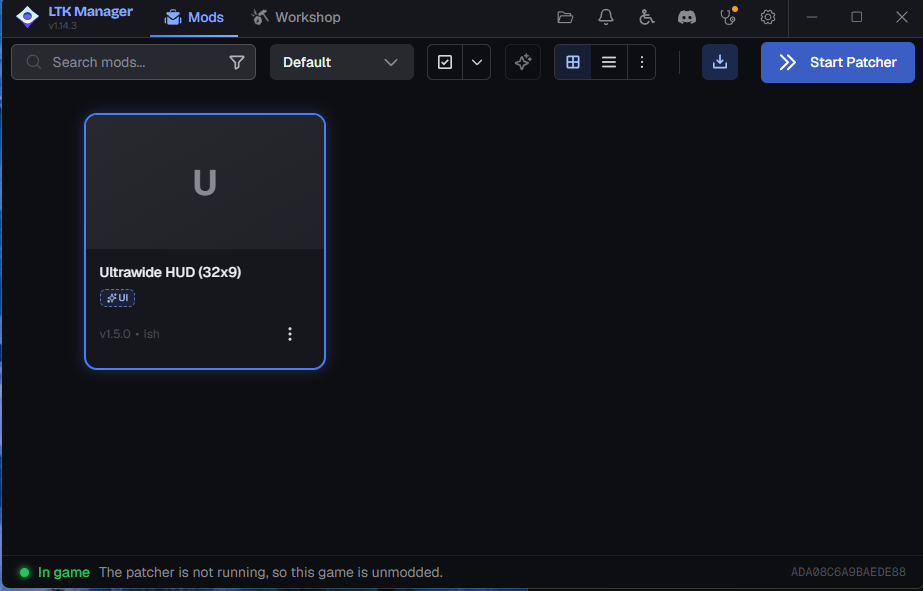
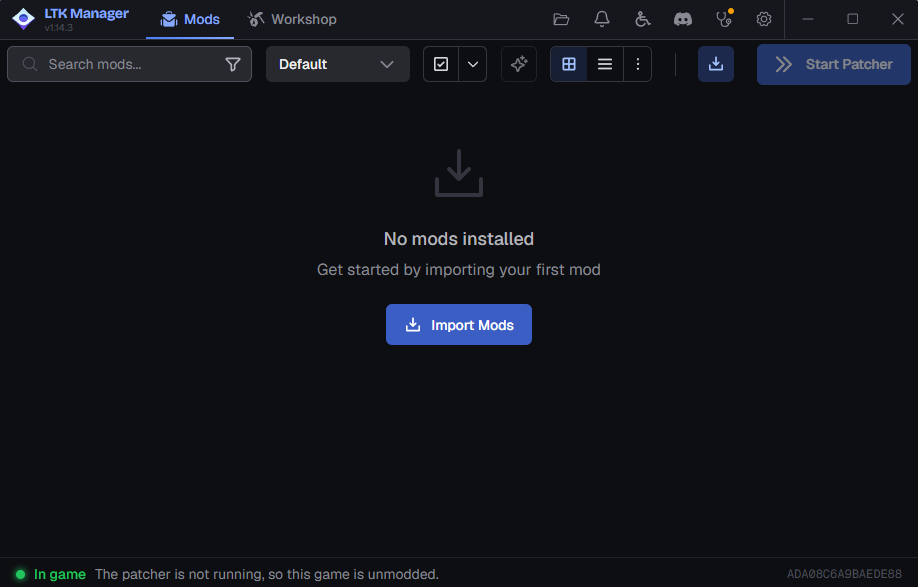
STEP 02Import the fantome fileDrag the .fantome file into LTK Manager or a custom skin manager of your choice.
 UW-HUD.fantome
 -
STEP 03Enable & runEnable the mod in LTK Manager, then click Start Patcher. Keep LTK Manager open while you play.
HEADS UP
League of Legends updates can break the mod. After a game patch, wait for the latest mod update before playing — and join the Discord community for support.
Troubleshooting
Most issues are one of these. Still stuck? Ask on the Discord
HUD is still stretched after installing
Make sure LTK Manager was open and Start Patcher was pressed before launching the game - the mod only applies while it's running. After a League patch, download the latest build from this page and re-import it.
LTK Manager can't find my install
Non-default install path. Open LTK Manager settings and point the game directory at your League of Legends folder.
Minimap overlaps the item shop
Check your in-game HUD scale first — a large scale can push the shop under the minimap on shorter ultrawides. If that isn’t it, make sure no other HUD mod is enabled alongside this one, and that you’re on the current build from this page. Still overlapping? Post your resolution and HUD scale on the Discord.
Game crashes on loading screen
Usually a stale mod after a patch. Download the latest build from this page, re-import it, and disable any other skin or HUD mods before trying again.
Want to uninstall
Toggle the mod off in LTK Manager (or remove it from your mod list), then launch normally. The patcher works as an overlay and doesn't permanently modify your game files.
Which build do I download
Match your monitor's shape, not its exact resolution. 21:9 covers 3440×1440 and 2560×1080; 32:9 covers 5120×1440. They position the HUD differently, so installing the wrong one puts the panels too far in or too far out. Enable only one at a time.
Does changing minimap size break the alignment
No. The minimap's right edge stays in the same place at every setting of the in-game minimap size slider, and the score/KDA/timer bar, team frames and respawn timers stay lined up with it. Earlier builds drifted here — if yours does, you're on an old version.
Why can't I edit game.cfg instead
That setting doesn't exist. League has no config option for HUD position - game.cfg only holds scale and toggle values like GlobalScale and MinimapScale, not where panels sit on screen. Moving the minimap and team frames inwards requires editing the game's HUD .bin files, which is what this mod does. Adding HorizontalHUDOffset or VerticalHUDOffset to game.cfg does nothing; the game ignores keys it doesn't recognise.